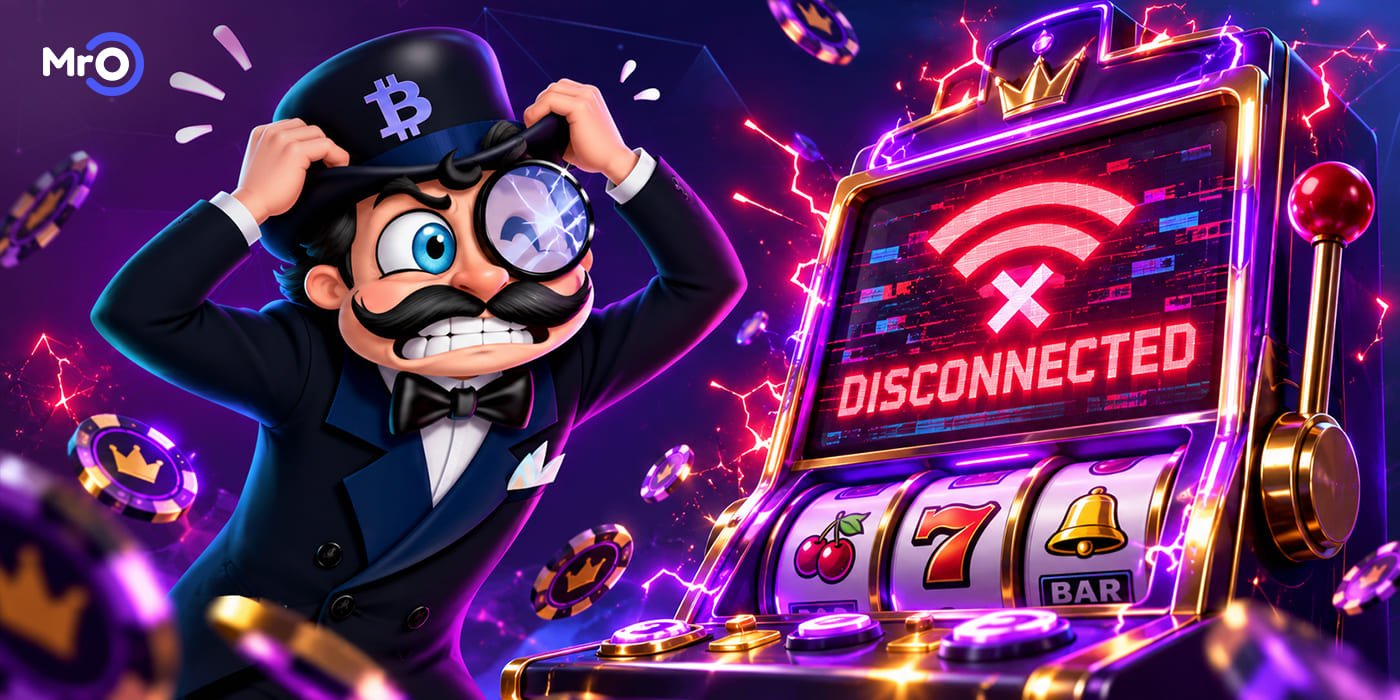
Slot Disconnects Mid-Spin: Is Your Money Really Gone?
A slot disconnects mid-spin, the reels freeze, and your internet suddenly decides that this is the perfect moment to disappear. The timing could hardly be worse. Perhaps you just pressed Spin. Maybe bonus symbols were appearing. Alternatively, the screen may have stopped during a Free Spins round. Slot Disconnects Mid-Spin: Is Your Money Really Gone?
Personally, I think a frozen slot screen creates a special kind of panic. You stare at the reels as if intense eye contact might restart the connection. Unfortunately, routers rarely respond to emotional pressure. The good news is that a frozen animation does not automatically mean your wager or result has disappeared. The game system may have already recorded the round before the reels stopped moving on your screen. However, different games and software providers can handle interruptions differently. Therefore, it helps to know what happens behind the screen and what you should check after reconnecting.
What Happens When a Slot Disconnects Mid-Spin?
When you press Spin, your device sends a request through the casino platform to the game provider. The system then accepts the wager and processes the round according to the game rules. In many online slots, the result is determined before the reel animation finishes. Therefore, the symbols moving across your screen usually present an outcome that the system has already created.
If the connection disappears during that animation, the completed result may still exist. You simply did not get to watch the reels reveal it. After reconnecting, several things may happen:
- Your balance updates automatically.
- The slot displays the completed result.
- The interrupted round restarts from its saved position.
- An unfinished bonus feature continues.
- The game asks you to complete a pending action.
- The wager remains untouched because the round was never accepted.
The exact response can depend on the slot, casino platform, and software provider. Still, closing the browser does not normally cancel a completed losing spin. Likewise, it should not erase a legitimate recorded win. Otherwise, everyone would suddenly develop connection problems whenever the reels looked disappointing.
The Reels Can Freeze After the Result Exists
Slot animations create suspense. The first reel stops. Then, the second one follows. A bonus symbol appears, dramatic music begins, and the final reel takes its time. However, those visual effects do not necessarily create the outcome in real time.
In many games, the system determines the result first. The animation then presents it with symbols, sounds, flashing lights, and a little unnecessary drama. This difference explains why a disconnection may interrupt the display without changing the recorded outcome.
The Mr O Casino guide to random number generators explains how slot results are produced and why the previous spin cannot control the next one. Therefore, a frozen reel does not always mean a frozen round. The system may already know whether the wager produced a win, a loss, or a bonus feature.
Is Your Bet Lost When a Slot Disconnects Mid-Spin?
A recorded wager should normally have a corresponding result. If the system accepted your bet and completed the round, your balance should eventually reflect that outcome. It may show a loss, a win, or the start of a feature. However, the request may not have reached the game server before the connection failed. In that case, the wager might never have been accepted.
Your balance may remain unchanged because no round officially started. Therefore, the important question is not whether you watched the full animation. Instead, you need to discover whether the system registered the wager.
First, reconnect to your account. Next, check the balance and game history. Do not rely entirely on memory. Several quick spins can make it difficult to remember the exact balance from one minute earlier. This becomes even harder when Auto-play is active. The game may have processed more than one round before you noticed the connection problem.
Check Your Balance Before Pressing Spin Again
After the connection returns, you may feel tempted to continue immediately. Wait for a moment. Allow the casino page and game to load completely. Then, check your current balance. Compare your updated balance with the game history. Do not judge the result from the balance alone. A spin may produce a payout that is smaller than the original wager, so the balance can still fall even when the game records a win.
Sometimes the balance needs time to synchronize. Therefore, refresh the casino lobby or sign in again if the displayed amount looks incorrect. Avoid making another deposit because the balance appears delayed. Also, do not place another wager until you understand what happened to the interrupted round.
A new spin can make the account history more difficult to follow. Personally, I would rather spend one minute checking the balance than spend ten minutes wondering whether I imagined the previous amount. Slots already contain enough mystery without assistance from unstable Wi-Fi.
Find the Round in Your Game History
Game history can provide the clearest answer after a disconnection. Depending on the casino platform, the record may display:
- The game name
- The date and time
- The wager amount
- The round identification number
- The result
- The credited amount
- The status of the round
Look for a record that matches the approximate time of the interruption. A completed entry usually means that the system processed the spin. If the round appears as pending or incomplete, wait briefly and check again.
Take a screenshot if something does not look correct. Make sure the game name, balance, time, and visible error message appear in the image when possible. That screenshot can help the support team find the correct round much faster.
What Happens to an Interrupted Bonus Round?
A disconnection feels even worse when it happens during a bonus feature. erhaps you finally activated Free Spins after a quiet session. Then, just as the feature begins, the screen freezes. In many slots, an unfinished feature can resume after you reopen the game. You may return to the remaining Free Spins, a pick feature, or another saved stage.
Alternatively, the game system may complete the bonus automatically and add the final result to your balance. The process depends on the rules of that specific game. Some bonus features require player input. Others can finish without any additional action. If the feature does not reappear, check your balance and game history. The bonus may already have finished in the background.
Most importantly, reopening the slot does not usually create a second bonus round. You are returning to the existing feature rather than receiving another attempt.
What to Do When a Slot Disconnects Mid-Spin
Follow this simple process when a slot disconnects mid-spin:
- Wait briefly to see whether the game reconnects.
- Avoid pressing Spin several times.
- Take a screenshot of the frozen game or error message.
- Check whether your internet connection is working.
- Reload the casino page or reopen the slot.
- Review your account balance.
- Open the game or transaction history.
- Record the game name, wager, time, and round ID.
- Contact support if the outcome remains unclear.
These steps help separate a delayed animation from a genuine account problem. Repeatedly pressing buttons may make the situation more confusing. Once the connection returns, those clicks could create additional actions or wagers. Patience may not feel exciting. However, neither does explaining several accidental spins to customer support.
Can Refreshing the Game Change the Result?
Refreshing the page should not change a result that the system has already recorded. Likewise, switching devices should not transform a losing spin into a winning one. It should not remove a properly recorded win either. The outcome belongs to the game round, not to the animation on your phone or computer.
However, refreshing too quickly may prevent you from seeing the original error message. Therefore, wait briefly and take a screenshot before closing the game. Afterward, refresh once and review the account history.
Avoid opening the same slot in several tabs. Multiple game windows can make troubleshooting more complicated. Also, intentionally switching off your internet cannot improve a result. A disconnection is a technical interruption, not a playing strategy.
The guide to randomness in casino games explains why timing, previous rounds, and personal rituals cannot control the next random result.
When Should You Contact Casino Support?
Contact support when your balance and game history do not explain what happened. For example, request help if:
- The wager disappeared without a recorded result.
- A recorded win was not added to your balance.
- A bonus feature did not resume or complete.
- The same round appears more than once.
- The game remains frozen after reopening.
- The history displays an unfamiliar status.
- Similar interruptions continue across several games.
Provide specific information rather than writing only, “My game stopped.” Include your username, the slot name, the approximate time, and the wager amount. Add the round ID and screenshots when available.
Do not send your account password, complete payment details, or security codes. Support should not need those details to investigate a game round. If the issue involves a larger amount, avoid continuing the session until support confirms the result.
How to Reduce Slot Disconnections
You cannot prevent every technical interruption. However, a few habits may reduce the risk. Here they are, all summed up:
- Use a stable Wi-Fi or mobile connection. Close unnecessary browser tabs and background applications if your device is running slowly.
- Keep your browser or casino application updated. Older software can sometimes cause compatibility problems.
- Additionally, avoid switching between Wi-Fi and mobile data during an active round. That transition may briefly interrupt the connection.
- If one slot repeatedly freezes while every other game works normally, stop opening it. The problem may involve that particular title rather than your device.
- Contact support and provide the game name, device type, and browser information.
- A stable connection makes the experience smoother. Nevertheless, it cannot improve RTP, change the odds, or make a bonus more likely. It only helps your device display the round correctly.
A Disconnection Does Not Create a New Opportunity
A frozen game can make the interrupted spin feel unfinished. Emotionally, you may believe that you deserve another attempt because you did not see the original round end. However, if the system completed and recorded that round, the result still counts.
Do not increase your stake to recover a lost wager. Likewise, do not continue playing simply because the interruption made the session feel incomplete. A technical problem should not change the spending and time limits you selected before playing.
If the interruption leaves you frustrated, close the game and take a break. Returning immediately while annoyed can lead to faster or less careful decisions. The internet connection may return in seconds. Your patience occasionally needs a little longer.
Frequently Asked Questions About Slot Disconnections
Can I Lose a Win If My Slot Freezes?
A frozen screen does not automatically erase a recorded win. Reconnect, check your balance, and review the game history. Contact support if the recorded win is missing from your balance.
Will an Interrupted Slot Spin Continue?
The spin may continue after you reopen the game. Alternatively, the system may already have completed the round and updated your balance.
What Happens If My Internet Fails During Free Spins?
The Free Spins may resume from a saved position or complete automatically. Check the game history and balance if the feature does not return.
Should I Press Spin Again After Reconnecting?
Check your balance and game history first. Pressing Spin immediately may start a new wager before you understand the result of the interrupted one.
Can I Cancel a Spin by Closing the Browser?
Closing the browser does not normally cancel a round that the game system has already accepted and recorded.
What Information Does Support Need?
Prepare the game name, date, approximate time, wager amount, round ID, and screenshots. Never share your password or private security codes.
Slot Disconnects Mid-Spin: Check Before You Panic
When a slot disconnects mid-spin, your money does not automatically vanish with the internet connection. The game may already have recorded the result. Your balance could update after reconnecting, or the slot may restore an unfinished round or bonus feature.
First, stay calm. Next, check the balance and game history. Finally, contact support if the records do not explain the outcome.
Most importantly, do not make new wagers while trying to investigate the previous one.
You can explore the available games at Mr O Casino. Before playing, review the rules, use a stable connection, and set comfortable spending and time limits.
Technology can freeze. Your decision-making does not have to freeze with it.